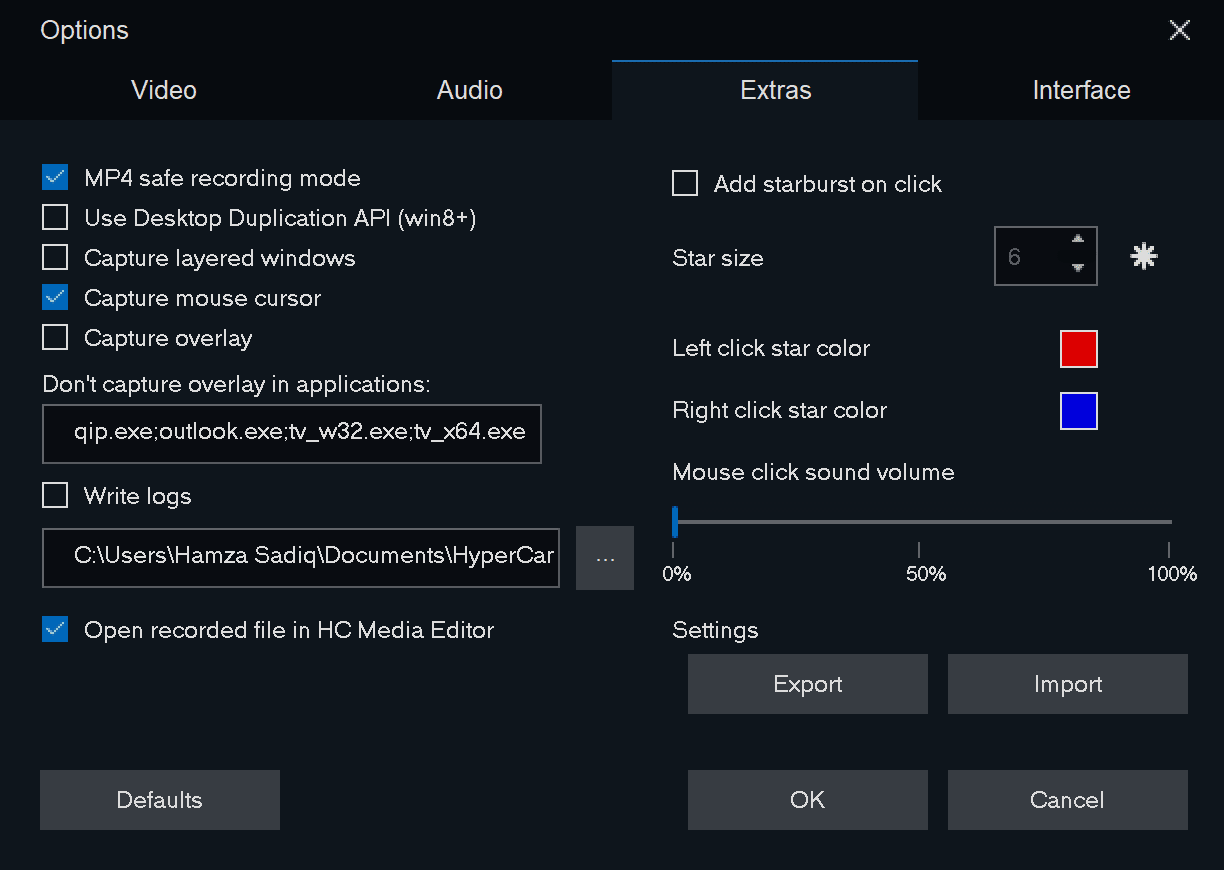
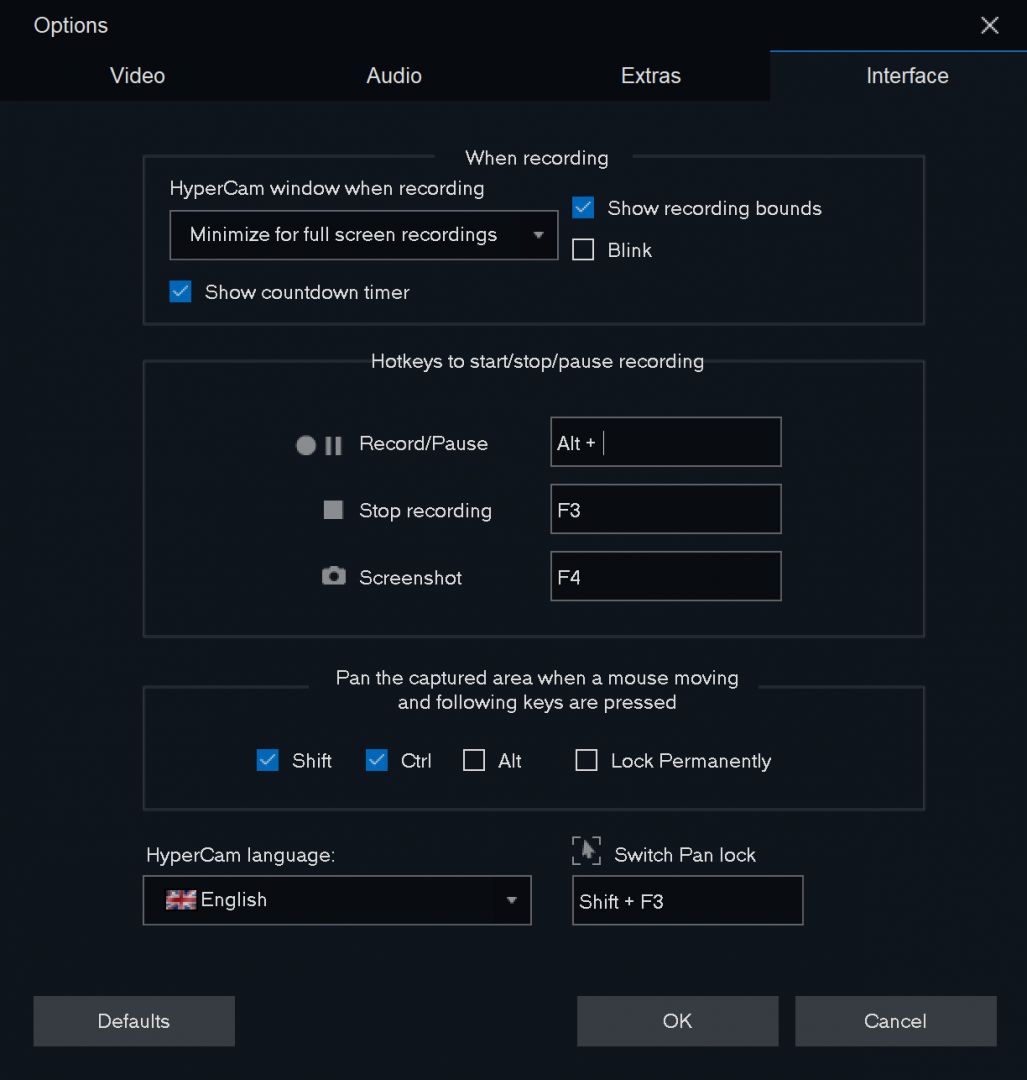
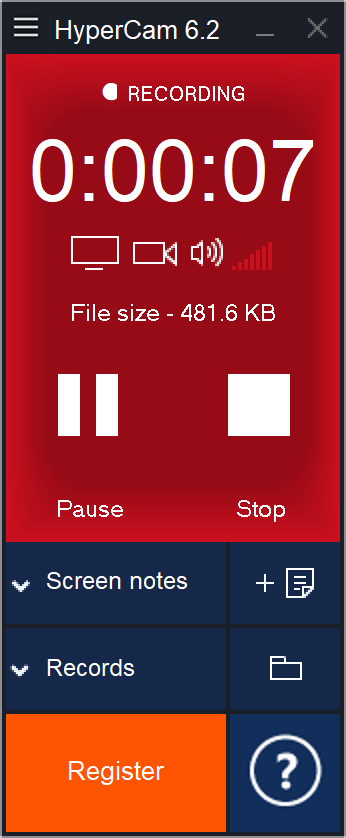
HyperCam is a screen recording tool for Windows that captures your screen, webcam, and microphone. If you need a functional, straightforward recorder, this one is worth considering.
Effortless screen recording
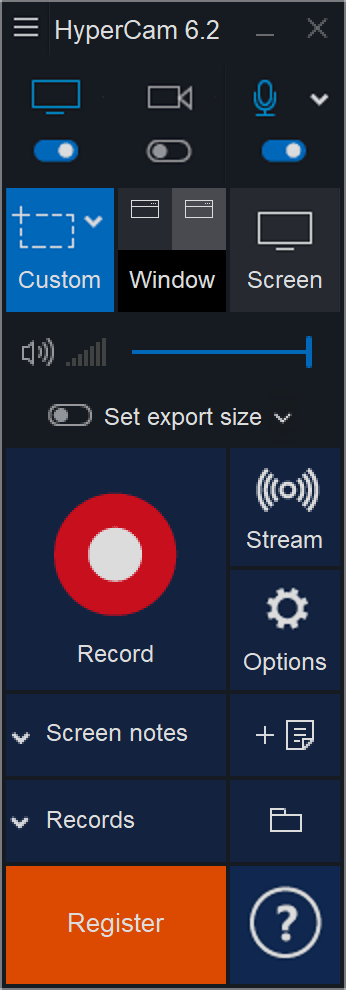
The application handles its core functions well without complicating the process. Screen recording is incredibly straightforward. Whether you want to capture your entire display, a specific window, or a custom region, it provides all the necessary options.
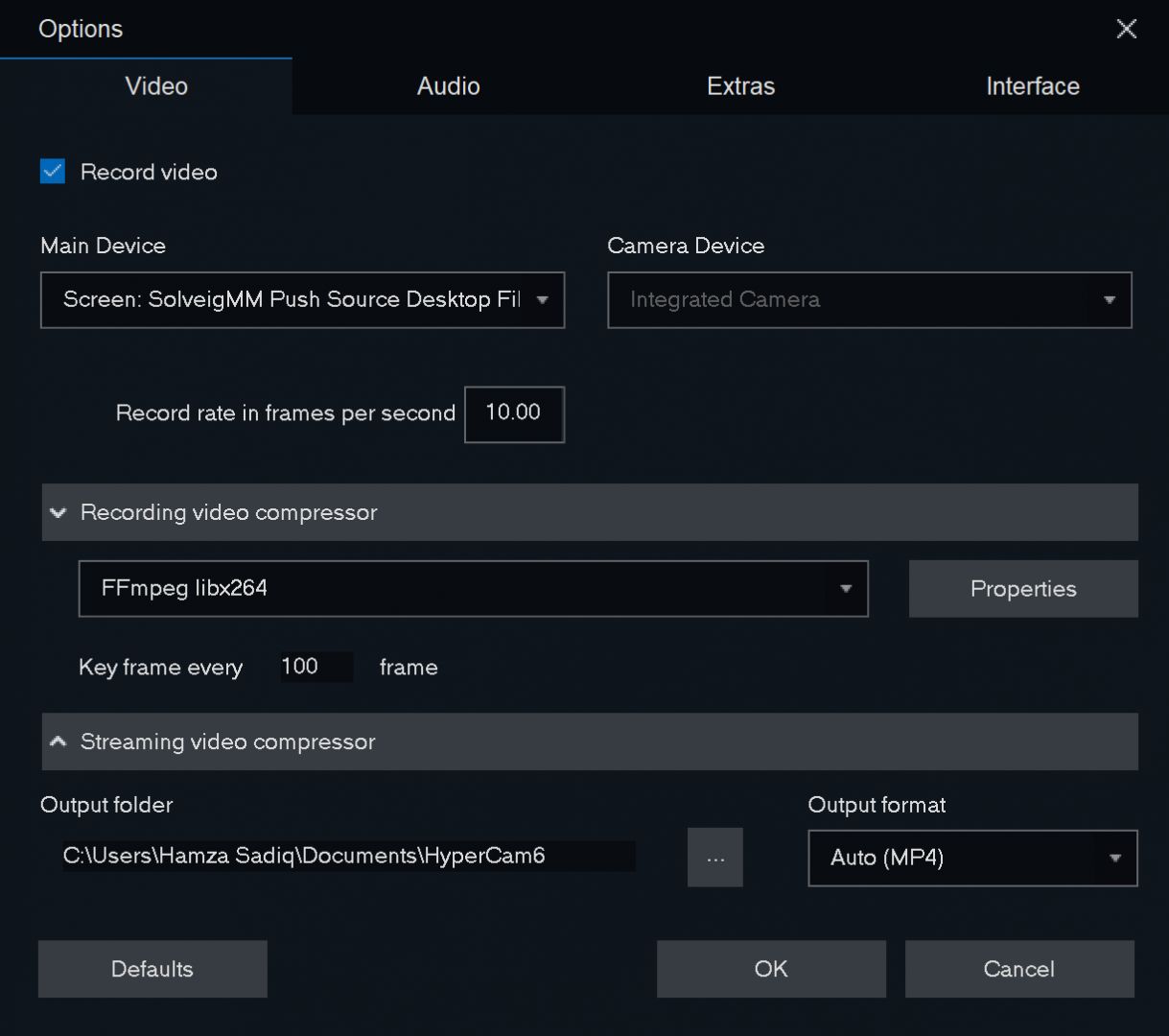
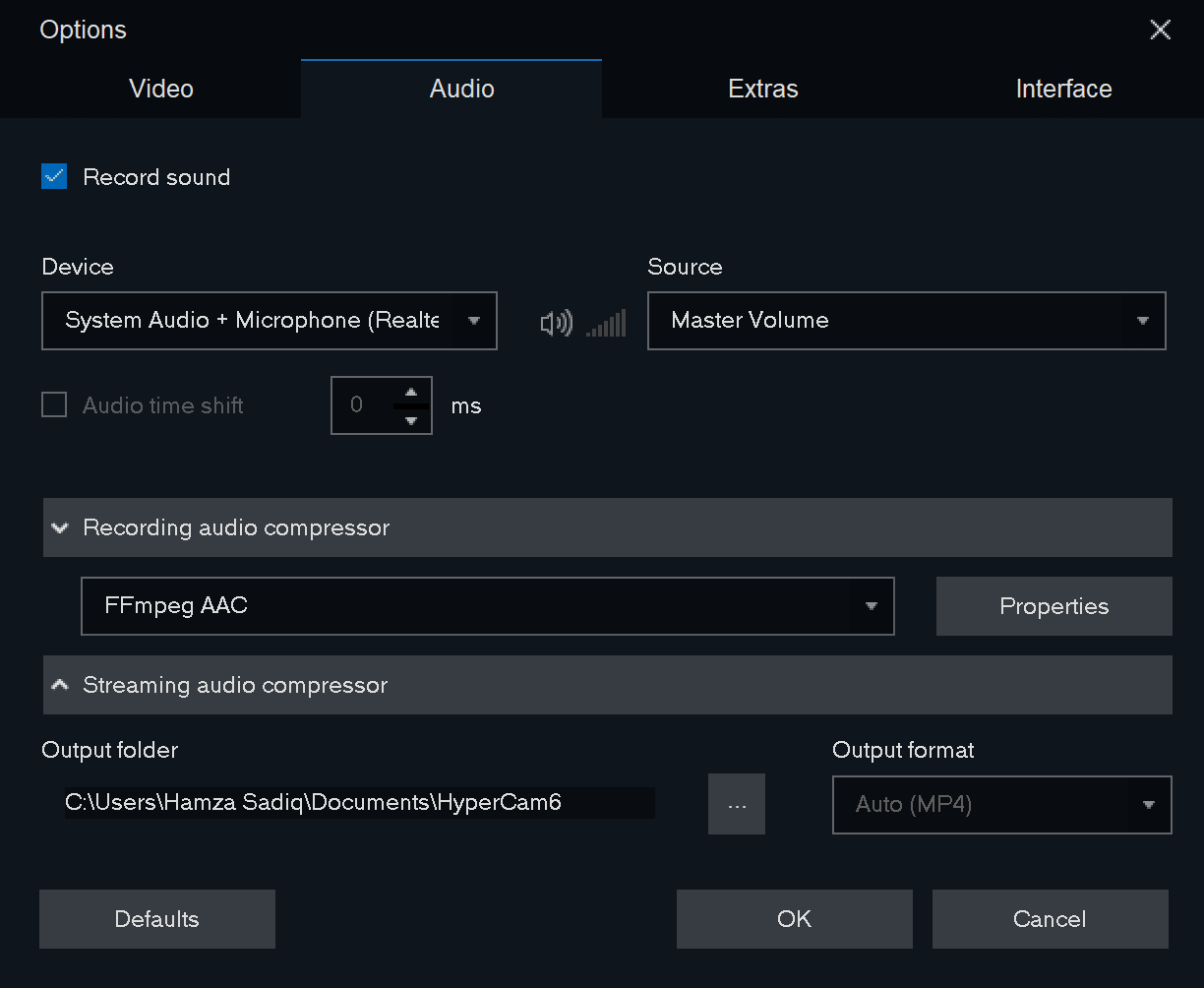
The application supports up to 4K resolution, capturing your webcam and microphone audio alongside your screen activity.
Streaming options
If you want to broadcast your screen, HyperCam includes native streaming support for Twitch, Facebook, and YouTube. Just sign in to your preferred platform and click "Start." You can even record your broadcast locally at the same time.
While these three cover most users, the software also lets you enter a custom streaming key for compatibility with other services.
This is ideal for broadcasting gameplay, hosting webinars, or producing live tutorials.
Notes
One of the standout features in HyperCam is its note function. You can write and display text directly on your screen during recordings or live streams. Think of it as digital sticky notes that stay visible throughout your broadcast.
If you create tutorials or need to highlight written information during a video, this tool is genuinely useful.
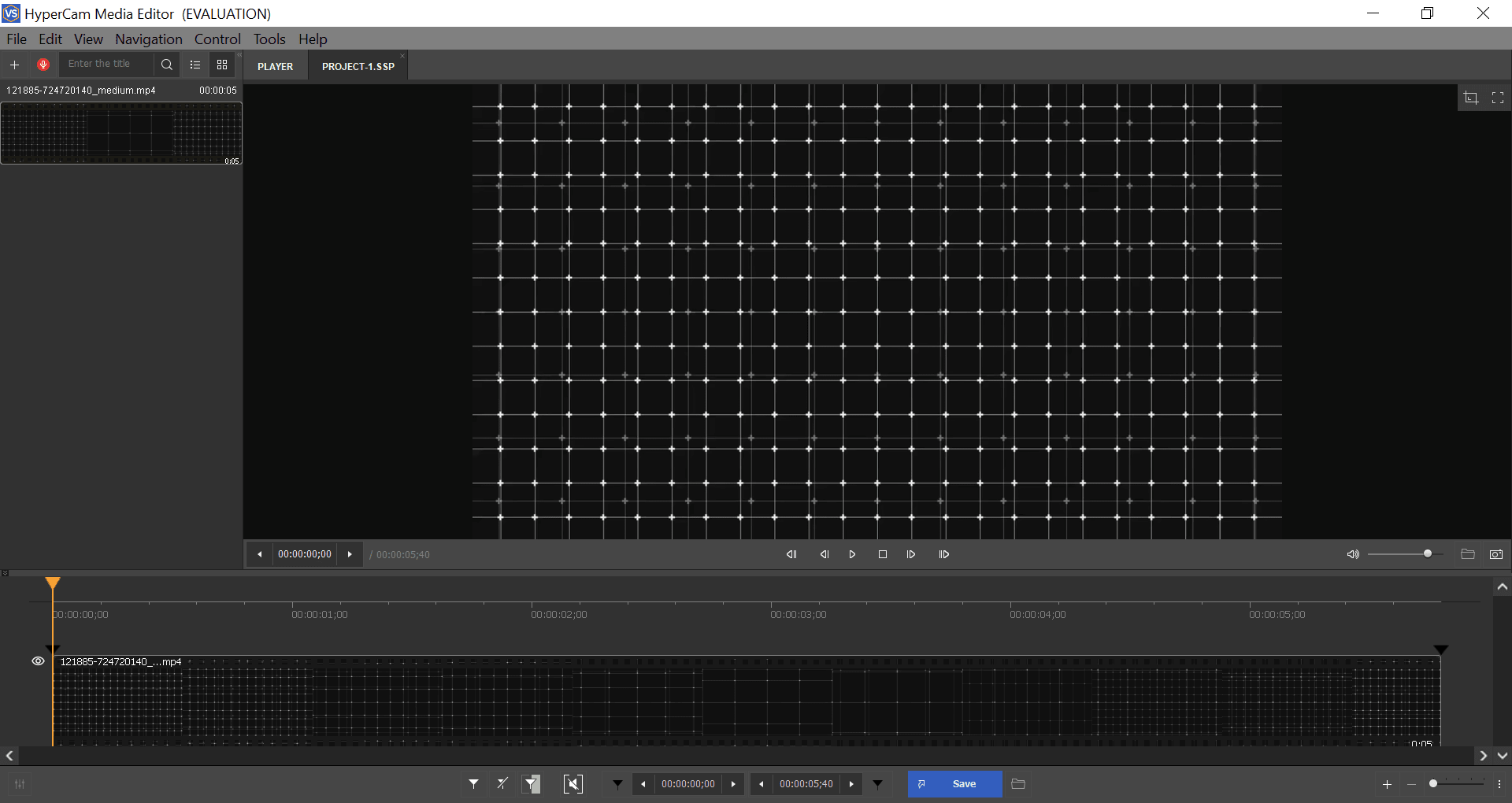
HyperCam media editor
The software sets itself apart from some competitors by including a built-in video editor, albeit a basic one. With this editor, you can:
- Save or export your media
- Cut, trim, and join clips
- Add voice-overs
- Insert sound effects or background music
It is a simple editor, but having it built directly into the application is incredibly convenient.
How much does it cost?
The software is split into two paid editions: Home and Business. The Business edition unlocks advanced features like importing EDL files and floating licenses for up to five computers.
HyperCam also offers a lifetime Free Edition, though it limits recordings to 15 minutes and places a watermark on your content.
Licensing models range from monthly subscriptions to annual plans, and the final price depends on your region or any ongoing promotions.
Worth giving it a go?
HyperCam is a capable screen recording tool that makes it easy to create tutorials, presentations, and live streams. While the free version restricts your recording time and applies a watermark, the application offers solid tools and a remarkably handy built-in media editor.